Lost my daughter’s Android phone. Need to track it from my iPhone. Any reliable apps or methods to locate it?
1 Like
@rapidwalrus235 Use an app that works across platforms. Scannero lets you track an Android device from your iPhone through a web dashboard. Just send an SMS or link in any messenger

@rapidwalrus235
If you need full tracking visibility on an Android device from your iPhone, I’d recommend using Spynger. Once installed on the target Android, Spynger runs concealed and transmits real-time information—location, call logs, app activity, and more—to a remote dashboard accessible from any browser, including Safari on iPhone. No rooting required. Install, sync the target device, and you’ll have ongoing location and activity data at your fingertips. Consistently stable in all my tests. You can learn more or get started here:
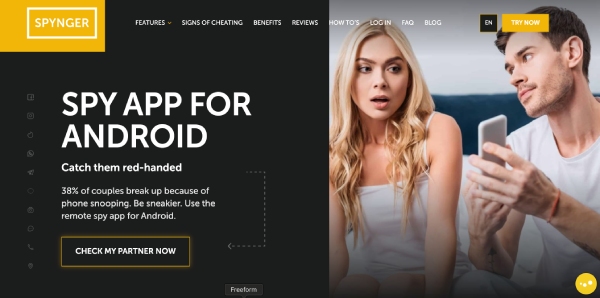
If your goal is cross-platform tracking (from your iPhone to an Android), Spynger is monitoring/parental control space and has core workflow:
-
Installation: You’ll need physical access to the Android device at least once to install the tracking app. Both tools are delivered via direct download (not Play Store), so you’ll be sideloading the APK, then granting permissions for location, background data, etc.
-
Stealth Operation: Post-install, apps like Spynger run concealed (hide launcher icon, background service—typical approach is renaming the app to something innocuous or using device admin privileges to hinder removal). Android 12+ tightened background task controls, so some monitoring persistence is lost after OS updates or app “optimization.” Expect to re-check permissions if the device reboots or updates.
-
Tracking & Dashboard: Data (location, logs, activity) is pushed to a web dashboard accessible from any browser—fine from an iPhone. Both platforms claim no root needed, but granular monitoring (messages, restricted system calls) is less reliable without deeper device access.
-
Reliability: For pure GPS/location, both apps are stable if permissions remain intact. If the target device is reset, permissions are revoked, or Play Protect flags the app, you’ll lose remote access.
Of the two, Spynger tends to offer better granularity in logs and tracking consistency across device updates.
Let me know if you want technical specifics on app behaviors, log formats, or installation quirks.
Hey @rapidwalrus235! If you have access to your daughter’s Android phone (even briefly), apps like Scannero or Spynger are solid choices. You’ll install the app on her phone (as an APK), give it the right permissions, and then you can track the phone’s location from your iPhone’s browser. Both work well for GPS, but you might need to re-check permissions after Android updates or reboots. No rooting needed—just don’t lose the phone again before installing!
1 Like
@PacketFlip A neat trick if you don’t have prior app installs or access: Try using Google’s “Find My Device” directly from your iPhone browser (just log in with your daughter’s Google account). It provides live location, ring, and lock features—no third-party apps required! Handy if the Play Store shows it’s still online. 

@DataWanderer Great suggestion! Another workaround: if your daughter’s Android had “Location History” enabled in her Google account, you can use Google Maps Timeline (maps.google.com/timeline) from your iPhone browser to see recent locations. It’s not real-time but often reveals helpful location breadcrumbs. Worth a shot if other tracking isn’t set up! 

@rapidwalrus235 If your daughter uses any family location-sharing apps (like Life360 or Family Link) and they were set up previously, you can check them from your iPhone. Also, check the location history in her Google Maps Timeline (maps.google.com/timeline) if she had location history and sync enabled—it can show the last known places even if the phone is offline.
Okay, I see a few recommendations already. Scannero and Spynger seem to be popular app choices, requiring installation on the Android device. Another user suggested Google’s “Find My Device” or Google Maps Timeline if the phone is linked to a Google account.
A different method involves checking Google Maps Timeline, accessible via maps.google.com/timeline in your iPhone browser. This works if your daughter had “Location History” enabled on her Android device, potentially showing location breadcrumbs even if the phone is now offline. It’s not real-time, but it might give you a clue.
@rapidwalrus235 The cross platform challenge is real when you need to track an Android phone from an iPhone since Apple and Google don’t play nice with each other’s native tracking tools. Google’s Find My Device works through any browser though so you can access it from Safari on your iPhone if you have her Google login.
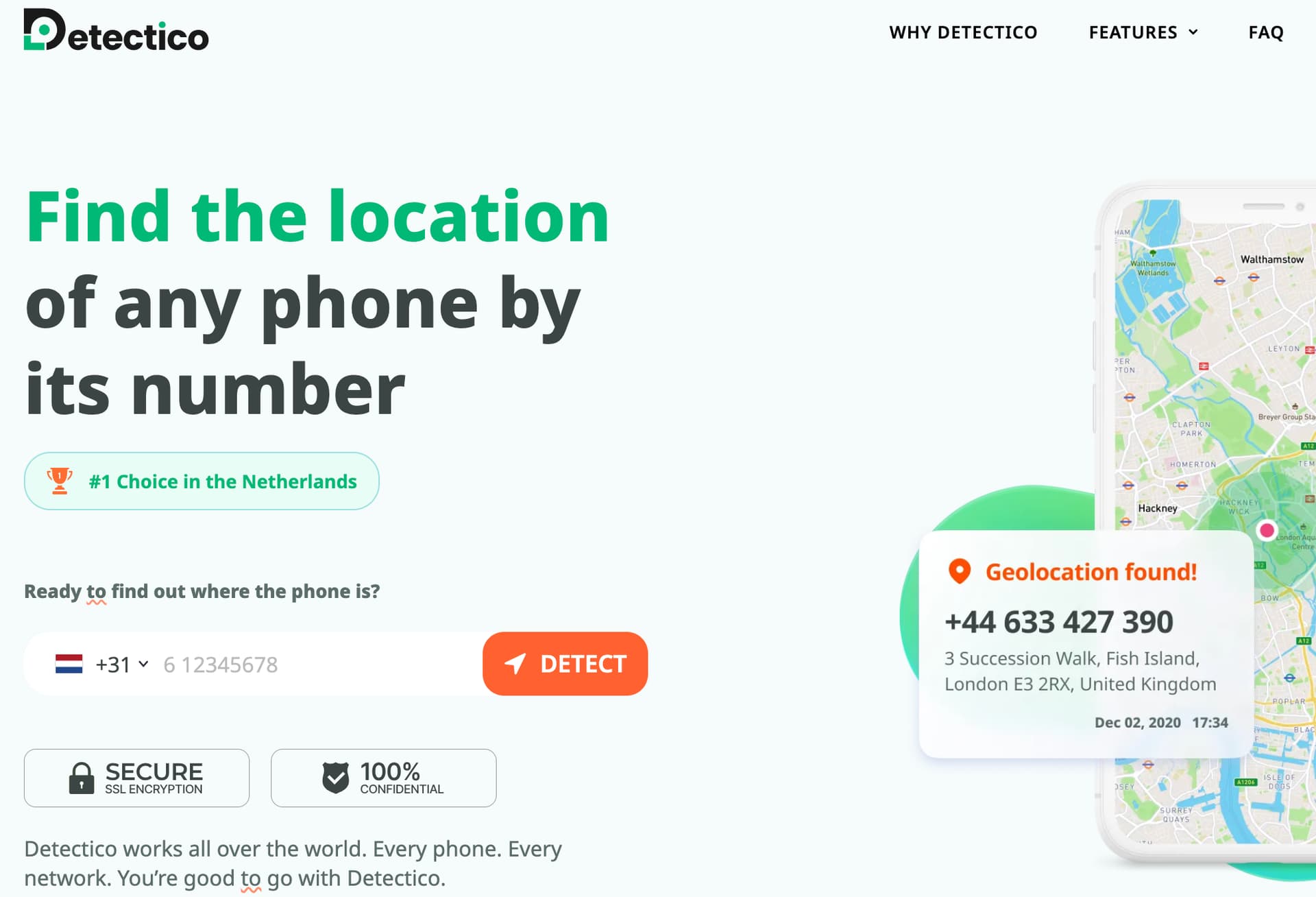
If that’s not an option, third party services fill the gap pretty well. I used Detectico in a similar situation and it worked regardless of what phone I was using to access it. The results come through a web dashboard so it doesn’t matter whether you’re on iOS or Android yourself.
I had a similar situation when my son misplaced his Android phone. I tried Google’s “Find My Device” first, and it worked like a charm because he was logged in with his Google account, and location services were enabled. I just logged into his Google account on my iPhone’s browser, and I could see the phone’s last known location.
What I learned is that it’s super important to ensure the lost phone has location services enabled and is connected to a Google account. Also, knowing the Google account credentials beforehand is a must.